The best picture of a candidate or client is on LinkedIn: their career history and your conversations with them. Getting it into your recruiting software means copying and pasting, so most of it never reaches the record. Before the next call, you're back on LinkedIn looking for what they said.
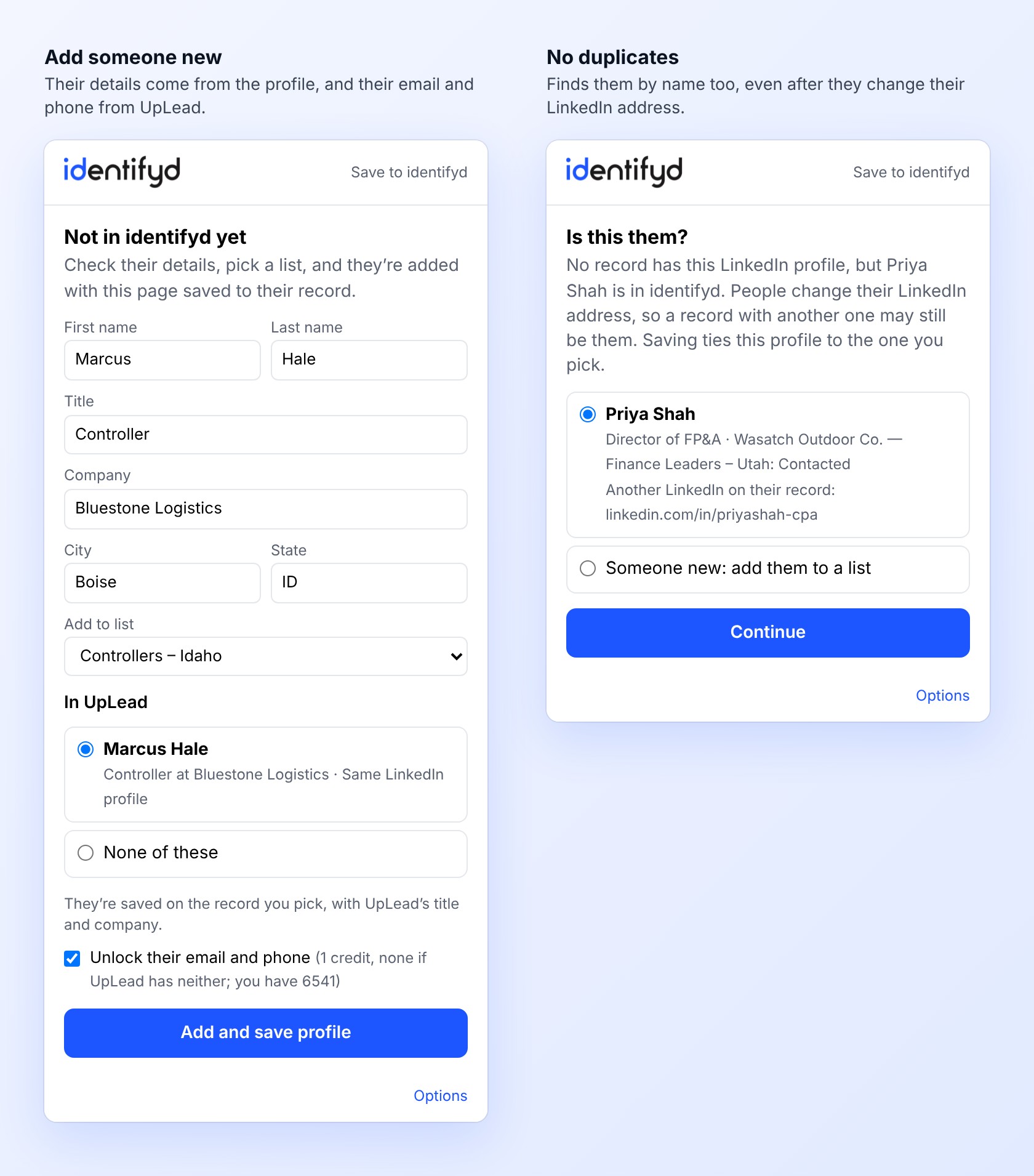
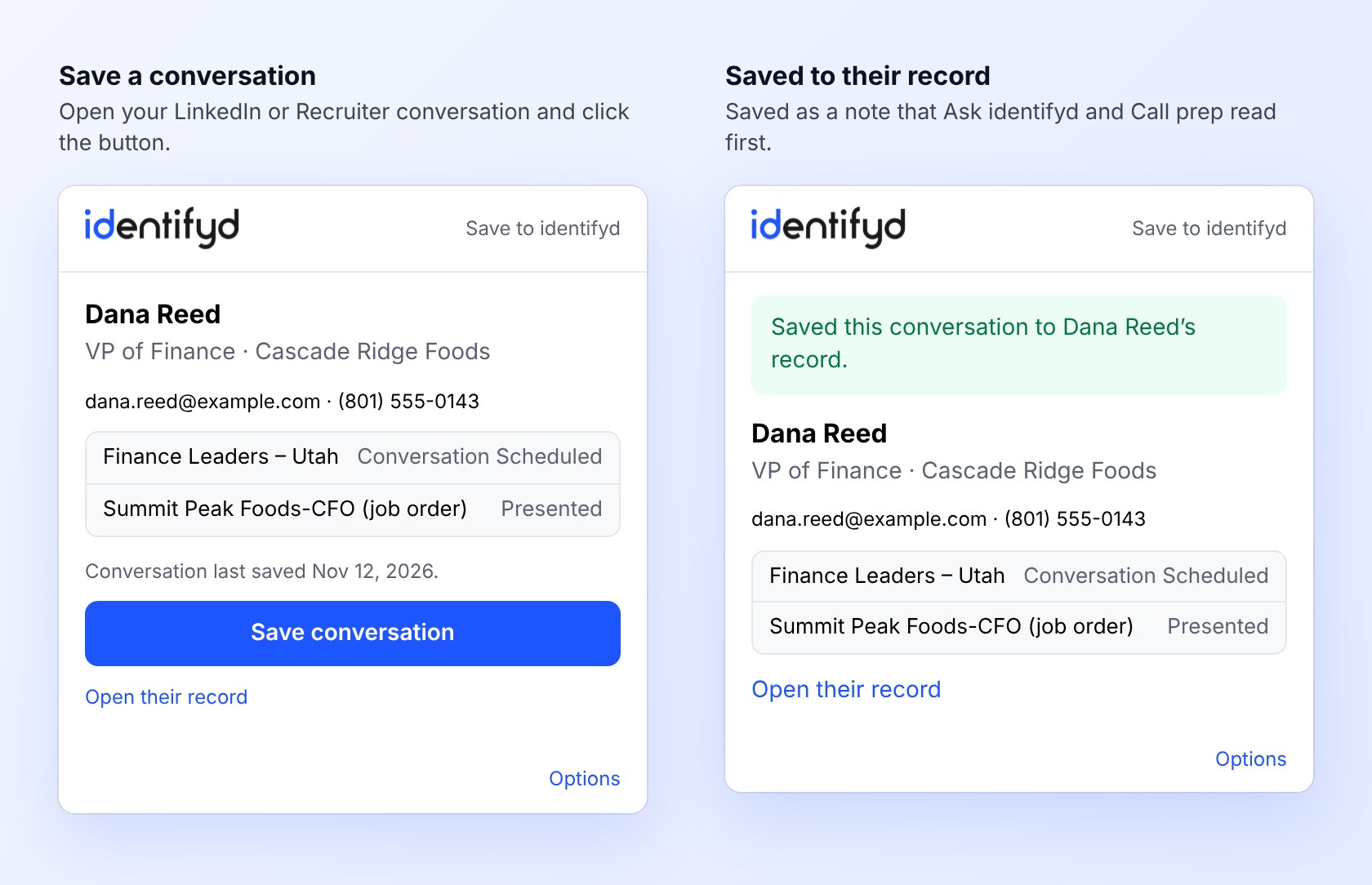
Save to identifyd is a Chrome extension. Open someone's LinkedIn profile or your conversation with them, on LinkedIn or in LinkedIn Recruiter, and click the button. It shows who they are in identifyd, with their lists, stages, email and phone, and saves the page as a note on their record. Someone new? Add them to a list in the same click, with their email and phone from UpLead.
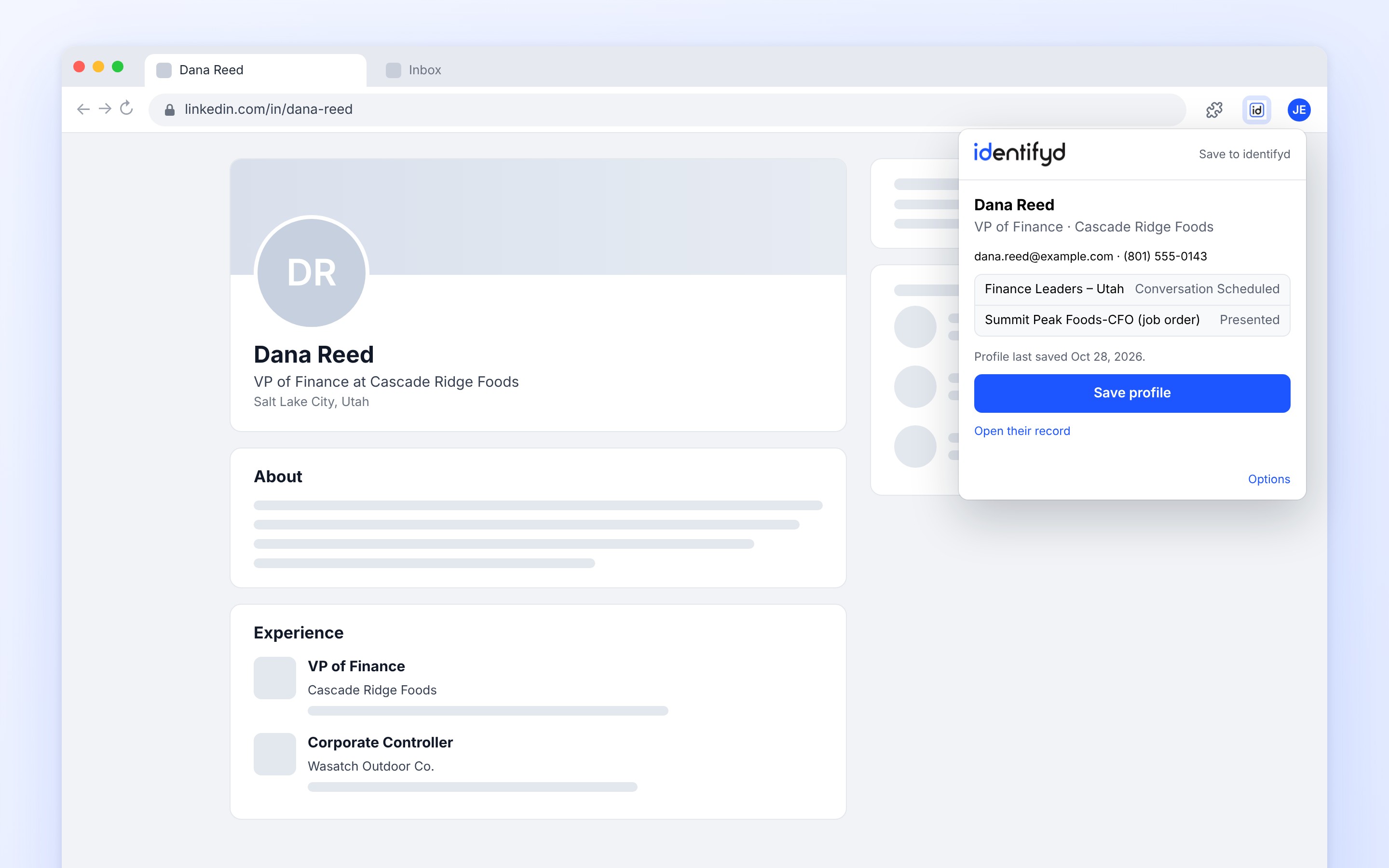
Add it to Chrome from its Chrome Web Store page, then pin it from Chrome's puzzle-piece menu. Open a LinkedIn profile, click the identifyd button and choose Connect to sign in with your identifyd login. You only connect once. Until you do, each prospect record in identifyd links to it too, next to Paste from LinkedIn.
LinkedIn profiles, your LinkedIn conversations (including one open in the chat window over another page), and profiles and inbox conversations in LinkedIn Recruiter. When a page has both a profile and a conversation open, it asks which one to save.
No. It reads a page only when you click its button, and only the page you're on. It never browses LinkedIn on its own or works through search results, and what it reads goes only to your identifyd account. Our privacy policy has the details.
No. Saving a profile or conversation is free. Unlocking someone's email and phone from UpLead uses 1 credit, and none when UpLead has neither. You decide each time with a box to tick.
It finds them by their LinkedIn profile, or by name, and saves to their existing record. Before adding anyone new, identifyd checks your whole account for the same LinkedIn profile, or the same name at the same company, and asks you first.
Every plan, including the free Test Drive. It's a Chrome extension, and it also works in Microsoft Edge and other Chromium-based browsers that can add extensions from the Chrome Web Store.
