Switching recruiting software usually means leaving your history behind: years of candidates, client contacts, notes and placements stuck in the old system, or a migration project that takes weeks and costs extra. So firms put off switching, even when the old tool no longer fits how they work.
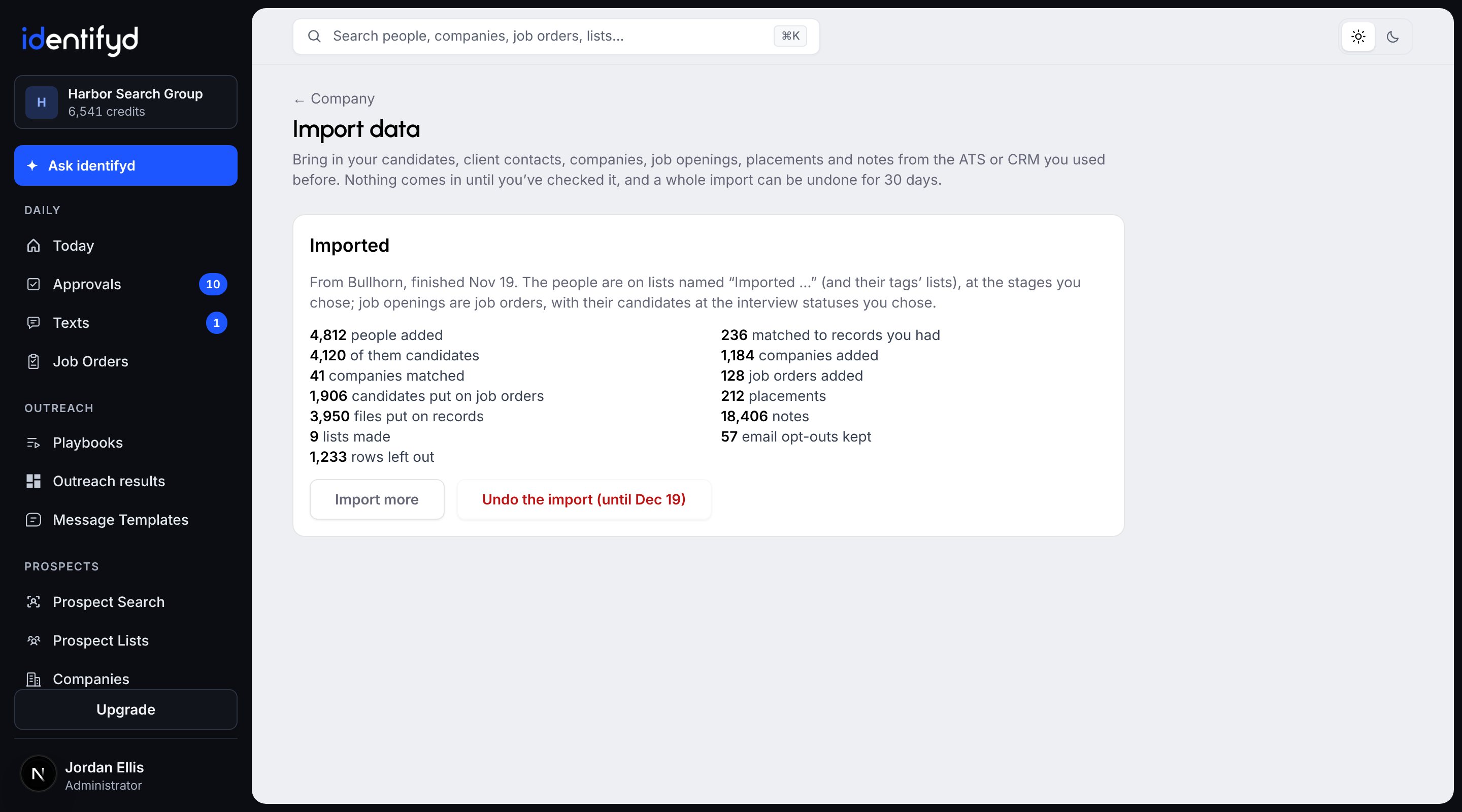
Upload the CSV exports from Bullhorn or Loxo, the export or backup from Crelate, Zoho Recruit or CATS, or CSV files from any other system, and identifyd brings in what they hold: candidates, client contacts, companies, job openings with their candidates and placements, notes and resumes. You check what each file holds, choose who comes in and the stage each status becomes, and it imports in the background. People you already have are matched, not added twice, and a whole import can be undone for 30 days. Leaving Bullhorn with a big database? On Scale, we restore your full Bullhorn backup and bring it in for you.
Bullhorn and Loxo, from their CSV exports; Crelate, Zoho Recruit and CATS, from their exports or backups; and any other ATS or CRM that exports CSV files. identifyd recognizes each of these systems' files and columns, so most of the matching is done for you, and you check it before anything comes in.
A Bullhorn admin exports each list (Candidates, Contacts, Companies, Jobs and Placements) as a CSV file, with the ID column added so records stay tied together. Bullhorn limits each export to between 5,000 and 20,000 records depending on your Bullhorn user type, so a big database goes in several exports. Bullhorn's full data backup is a SQL Server database file that has to be restored before it can be read. On Scale, we restore it and bring everything in for you, notes, resumes and attachments included.
A Loxo admin exports People and Companies as CSV files, with candidates and contacts in separate files. Loxo's export has only the columns shown in its list view, so add the ones you want first. It leaves out resumes, attachments and activity history; for those, ask Loxo's support for a full export.
Whatever your export holds: candidates, client contacts and companies, job openings with the candidates on them and their placements, notes, and the resumes and attachments in a backup. Candidates get a candidate profile, job openings become job orders with their clients and hiring managers, and placements count in your placement results.
No. People you already have are matched by LinkedIn profile or email, and the import only fills in their empty fields, never overwriting what you have. Companies are matched by website or name. Importing a newer export from the same system later updates the records it brought before.
Yes, for 30 days. Undo removes what the import added, except anything you've changed or worked on since, and records you already had stay as they are. Email opt-outs it brought stay on your do-not-email list.
Every plan, Test Drive included. An admin on the account runs it. One import takes up to 20 files: CSV files up to 150 MB each, or a backup ZIP up to 20 GB with its resumes, and up to 100,000 people, companies and notes. On Scale, we also help with the move, including restoring a full Bullhorn backup.
No. Resumes and attachments from an import are read in the background, outside your AI allowance. A large backup can take a day or two.
