New clients and strong candidates usually come from the third or fourth touch, not the first. But it's hard to remember who you contacted, how and when, so follow-ups slip and good prospects go cold.
identifyd logs every outreach touch with its date, channel and message version. Each list shows the last touch for every prospect and who is due for a follow-up, so nothing falls through the cracks.
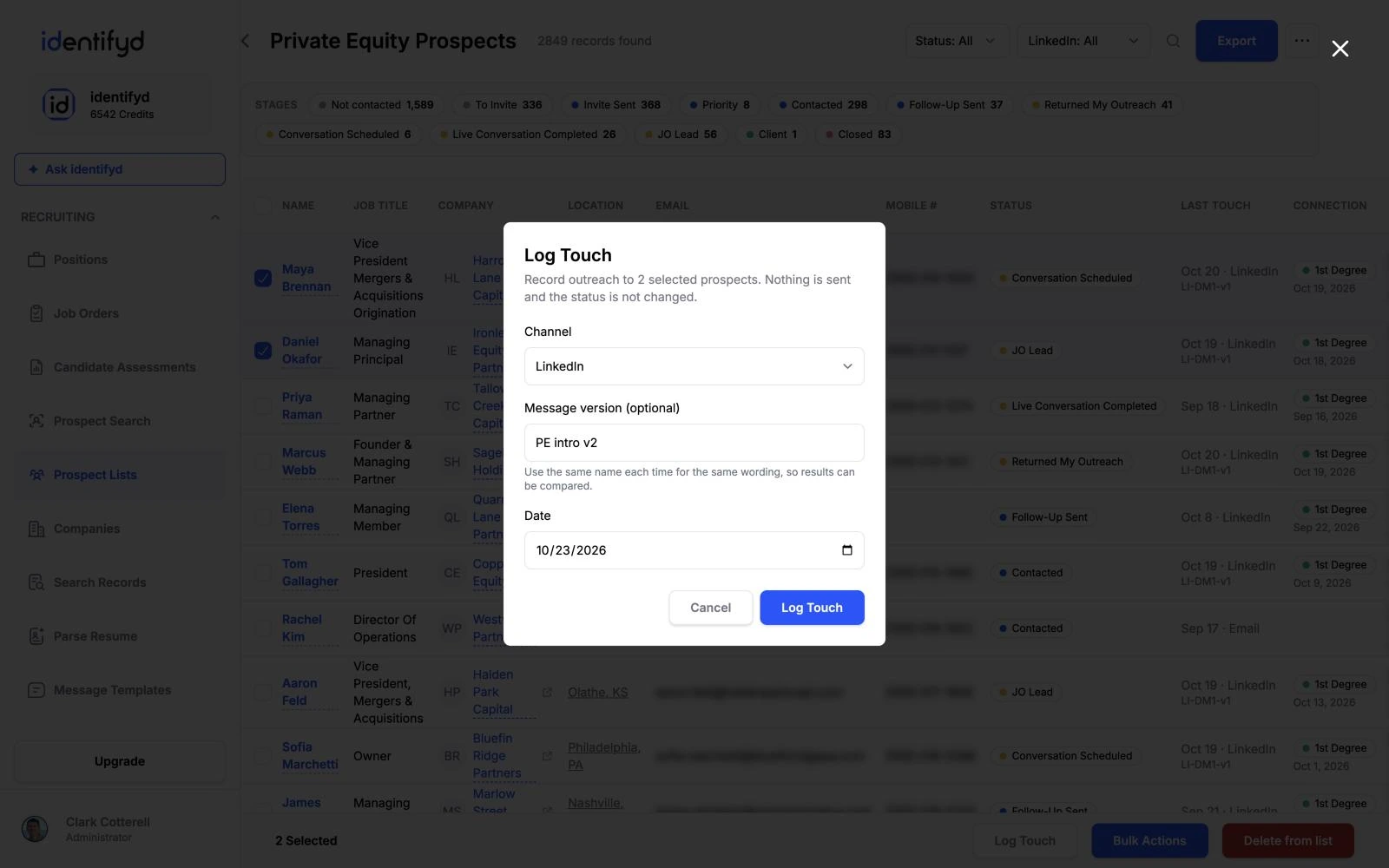
Yes. Log a touch whether you sent it from LinkedIn, your own inbox or the phone, and identifyd keeps the history on the prospect's record.
Yes, on the Growth and Scale plans. Connect your Outlook or Gmail account and identifyd sends email and automated email sequences from your own address. Texting through Twilio is coming soon.
Each list tracks how long it has been since your last touch with each prospect and flags the people who are due for a follow-up.
Yes. Every touch records the message version you used, so you can compare reply rates across versions on a list.
